Checkout Successful
Thank you for your purchase!
Date & Time:April 27, 2026
Checkout ID:
Loading...
Thank you for your purchase!
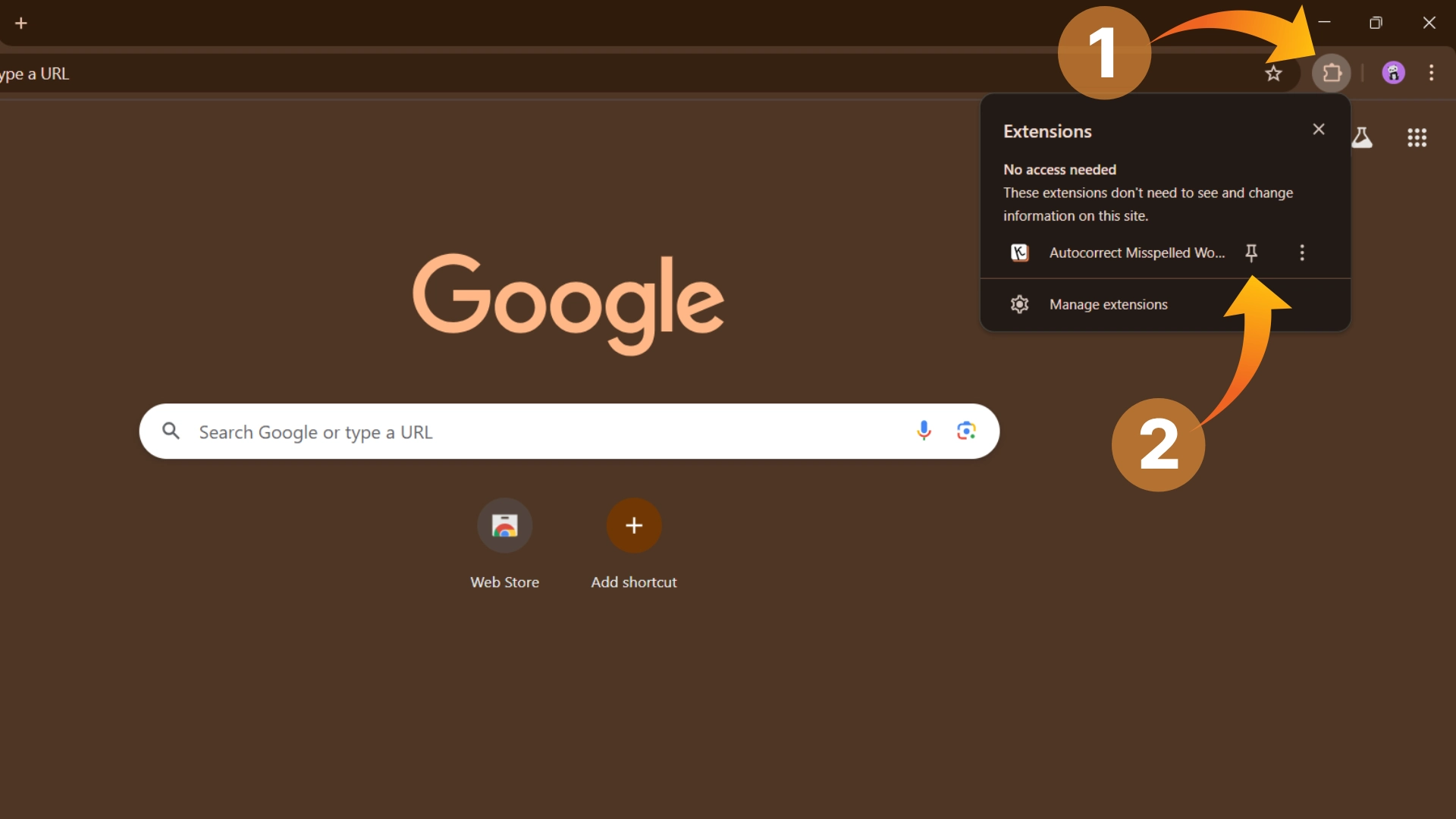
Click on the KeyCorrect extension icon in your Chrome toolbar to open the extension pop-up page.
Navigate to the "Profile" section and verify that your plan shows as Premium.
Reload your browser tabs, then open textarea.org or any website and start typing :)
If your premium plan isn't showing up after following these steps,
please email me: neuhiman@gmail.com or click here